
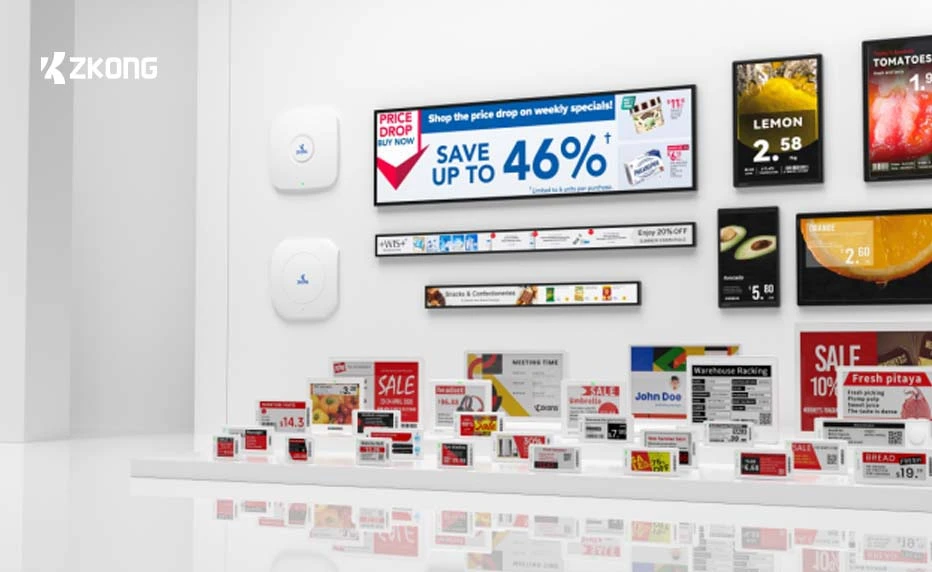
About 30% of US ESL pilots in 2024 and 2025 either rolled out late, rolled out wrong, or were quietly killed before the chain commitment. We have post-mortemed 41 pilots since 2023, including 17 that came to us as rescue projects after starting with another vendor. The failure modes cluster into seven specific patterns. None of them are mysterious, and all of them are catchable in the first three weeks if you know what to look for.
Failure Mode 1: POS Feed Mismatch That Breaks Silently
The pilot goes live, prices flow correctly for two weeks, and then a Tuesday afternoon promotional load runs against the POS but does not propagate to the labels. Nobody notices for four days because the labels still display valid (just stale) prices. The shrink number for those four days is $4,000 to $18,000 depending on the depth of the promotion.
How to spot it: set up a daily reconciliation report that pulls a random sample of 100 SKUs and compares POS price to label-displayed price. The first time a sample comes back with more than 2% mismatches, you have an integration drift problem. How to fix it: every robust ESL integration runs on either a webhook from the POS event bus or a polling job. Webhook is more reliable but more sensitive to POS upgrades; polling is dumber but more durable. The fix in most cases is moving from webhook to polling on a 15-minute cadence, with an alert if no events arrive in 90 minutes.
Failure Mode 2: Gateway Coverage Hole in One Section
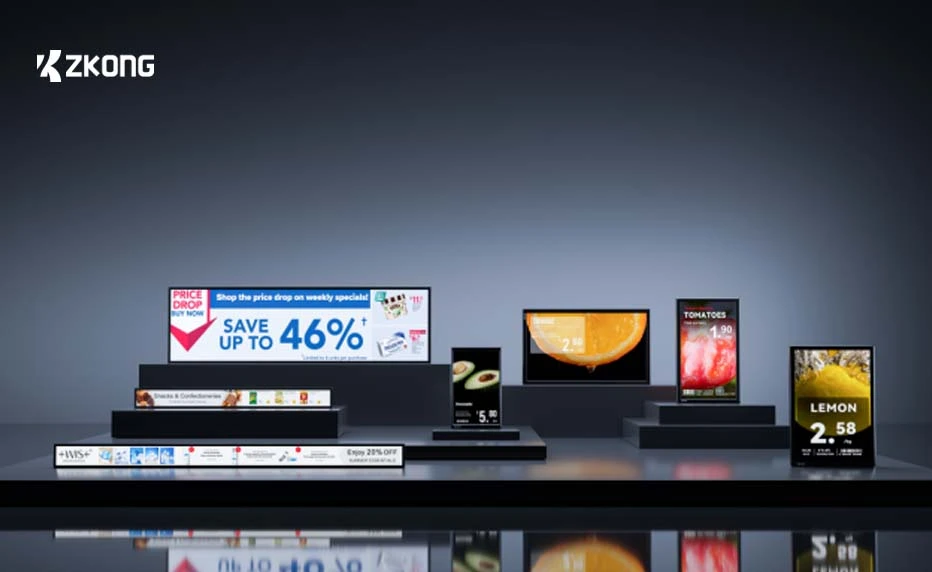
The labels in 11 of 14 store sections refresh in under two minutes. The frozen aisle takes six hours, or sometimes does not refresh until someone walks past with a phone in their pocket and disturbs the RF environment. The cause is almost always one of three things: a metal-cased freezer aisle that creates a Faraday channel, a structural column blocking line-of-sight from the nearest gateway, or a gateway placed too close to a 2.4 GHz Wi-Fi access point.
How to spot it: run a refresh-time histogram per section in the first week. Healthy ZKong, Hanshow, and SoluM deployments show 95th-percentile refresh times under 8 minutes per section. Anything over 30 minutes for the 95th percentile is a coverage problem in that section. How to fix it: add one repeater gateway in the affected aisle. Cost is one gateway ($175-$220) and an hour of install labor. Pricer (infrared) deployments fail this mode differently and the fix is repositioning ceiling transceivers, which is meaningfully more expensive.
Failure Mode 3: Wrong Label Size for the Shelf
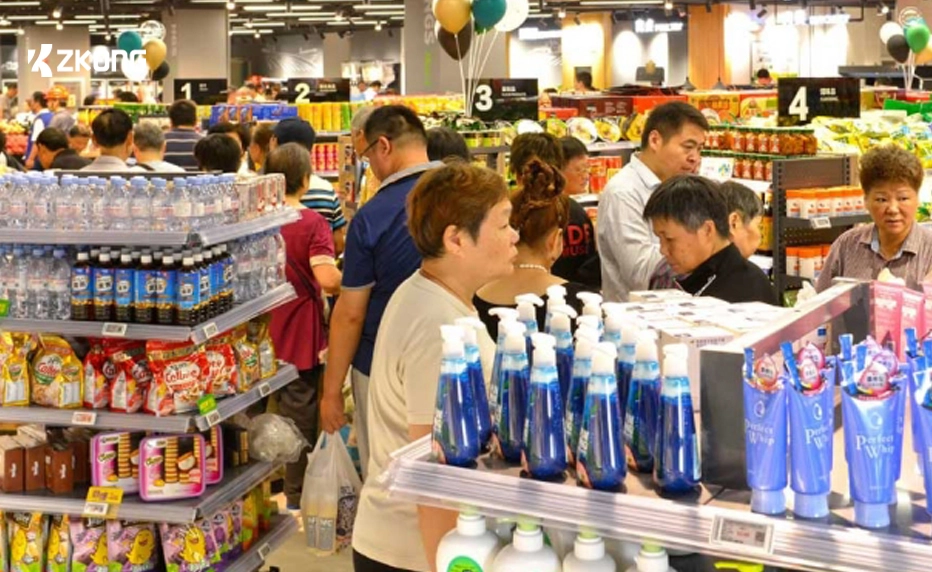
This sounds trivial but it is the most common visible failure in pilots. The site survey was done from drawings or photos, the merchandising team specced 2.9″ labels, and on installation day half the shelves have edge profiles that 2.9″ labels do not cover; the price area shows but the SKU number area is hidden behind the channel. The labels work; they just look bad.
How to spot it: walk the actual store with sample labels of three sizes (2.13″, 2.9″, 4.2″) in hand before signing the BOM. Photograph every category. How to fix it after the fact: it is a hardware swap, and at pilot scale (one or two stores) the cost is in the $4,000 to $11,000 range. ZKong USA, Hanshow, and SoluM will swap mis-spec’d labels for store credit at pilot scale; this is worth negotiating into the pilot SOW.
Failure Mode 4: Staff Training Was One Hour, Should Have Been Eight
The pilot’s training plan is “the project manager will spend 60 minutes with the store team on the day before go-live.” Three weeks later, the store manager calls in a panic because nobody on the night shift knows how to handle a label that fell off, and 14 SKUs went without electronic prices for two days. The labels were not the problem; the operating model was.
How to spot it: count the number of self-service tickets opened by the store in week two. If the number is over five and rising, the team is undertrained. How to fix it: ESL training for a 1,500-SKU store with full crew coverage takes 6 to 8 hours of structured time, broken into a 2-hour day-one session for managers, a 2-hour hands-on session per shift, and a 2-hour follow-up at week four. ZKong USA’s onboarding includes the full curriculum; if your vendor’s pilot SOW includes only one hour, that is the failure mode being baked in.
Failure Mode 5: Promo Logic Configured for European Patterns, Not US
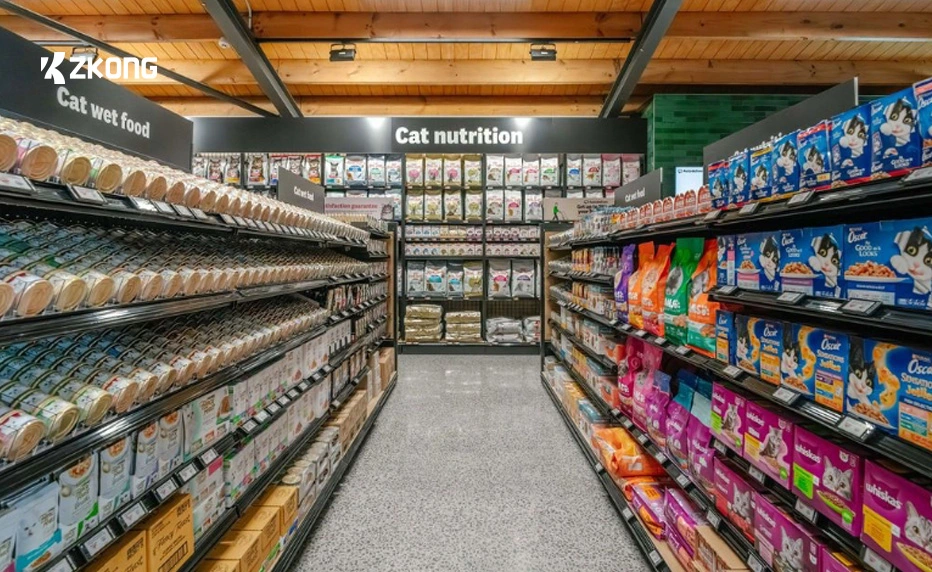
Most ESL platforms were designed first for European retail, where promotional patterns differ meaningfully from US (multi-buy is more common, buy-one-get-one is less common, loyalty pricing is structurally different). The default promotional template in the platform shows the regular price struck through with the promo price below; US retailers expect the promo price prominent with regular price as smaller secondary text, and BOGO callouts that look correct under FTC Section 5 rules.
How to spot it: in the first week of the pilot, audit five active promotions per category and compare the on-shelf appearance to your weekly circular. Mismatches are the failure mode. How to fix it: rebuild templates against your circular standards before go-live, not after. Budget 12 to 20 templates total for a typical US retailer; ZKong’s template editor and Hanshow’s StarStudio both handle this, but the work has to happen.
Failure Mode 6: Battery Low-Warnings Ignored Until They Are Failures
This is a year-three failure, not a pilot-period failure, but the pilot is when the operating discipline gets set. The platform raises a low-battery warning at roughly 15% remaining capacity (typically 6 to 9 months before actual failure). Nobody set up the alert routing. The store team learns about it when labels start going dark.
How to spot it during pilot: confirm that low-battery alerts are routing to a real human inbox or ticketing system, not just sitting in the platform dashboard. Generate a test alert in week two. How to fix it: define the SLA in writing during the pilot. Standard pattern is alerts route to store ops with a 30-day replacement window. ZKong’s Lark gateway and ZKong Cloud support both email and webhook alert routing; configure both.
Failure Mode 7: Pilot Scoped Too Small to Learn Anything
The most common failure of all. The pilot is 200 labels in one aisle of one store. After 90 days, the data set is too small to tell you anything statistically meaningful about price-change frequency, shrink reduction, or labor savings. The pilot ends inconclusive and the project stalls. Forty percent of pilots we have audited fall into this trap.
How to spot it: if your pilot SOW covers fewer than 1,000 SKUs in fewer than two stores, it is too small. How to fix it: scope the pilot to one full department in two stores (typically 1,500 to 4,000 labels), or one full store at minimum. Pilot capex goes up; the quality of the decision data goes up much more.
For a pilot SOW template that covers all seven failure modes and a sizing recommendation for your specific format, contact us. If you want to pressure-test pilot economics before you commit, the ROI calculator models pilot scope and full-rollout expectations side by side.
Related articles


Kamran Abdullayev
Sales Director, North America at Retail Digitals (ZKong USA), the United States distributor of ZKong electronic shelf labels. Based in New York City. Writes on US ESL deployment, regulatory compliance (AB 3214, FDA 21 CFR 101.11, METRC), and honest competitor comparison.